
A desk measurement is only useful if it accounts for the things resting on top of it and the clamps hanging off the back.
Most people pull a tape measure across the front edge of their tabletop, write down 120 by 60 centimeters, and immediately order accessories that do not fit. The desk might physically be 60 centimeters deep. Once a monitor stand takes 22 centimeters from the rear and a keyboard cord drops another three, the actual usable depth is closer to 35 centimeters. Buy a standard accessory based on the raw tabletop dimension, and it either hangs off the front edge or rides up over the monitor base.
The first week after measuring your desk correctly, you will catch yourself placing items down without nudging a single cable or lifting a corner of your mat.
The Three-Zone Measuring Method
Do not measure your desk as a single blank rectangle. Divide the surface into three distinct operational zones before you write down a single number.
1. The Hardware Zone (Rear 30 Percent)
This is where your display lives. If your monitor uses the included stock stand, measure from the back edge of the desk to the front tip of the stand legs. Stock stands for 27-inch and 32-inch displays routinely consume between 180 mm and 260 mm of forward depth. If you use a clamp-mounted monitor arm, measure the depth of the top clamp bracket, which typically sits between 60 mm and 100 mm from the back edge.
2. The Active Surface Zone (Middle 50 Percent)
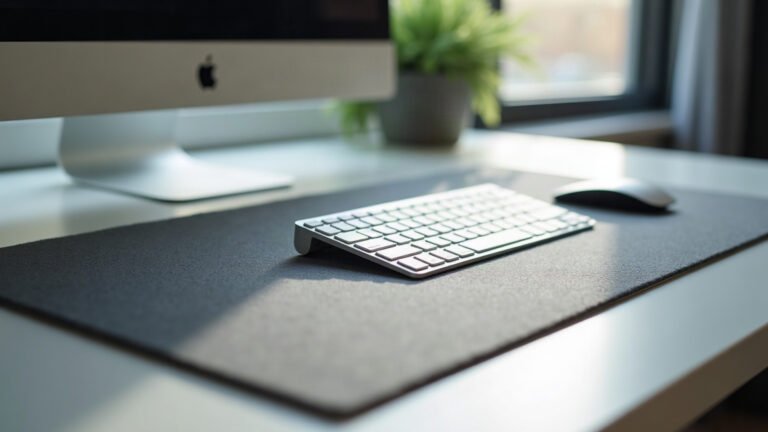
This is the space between the front edge of your monitor stand and the front bevel of your desk. This number is your real usable depth. Every desk pad, keyboard tray, or notebook must fit inside this exact span. If this number is 380 mm, a 400 mm mat will physically overlap your monitor foot or curl against the lip.
3. The Edge and Clamp Zone (Perimeter)
Look underneath and behind the tabletop. Measure the overhang: the distance from the outer edge of the wood to the metal underframe or cable tray. Standard C-clamps for monitor arms and microphone booms require at least 50 mm to 70 mm of flat, unobstructed under-desk depth to seat flush. If your desk has a bevel, a curved chamfer, or an under-frame beam right against the edge, standard clamps will slip.
Calculating Peripheral Clearance
Your input devices require physical sweep area, not just resting area. A keyboard that sits static requires one set of dimensions; a mouse moving across low sensitivity settings requires another.
| Desk Depth | Monitor Mounting | Usable Mat Depth | Recommended Mat Size |
|---|---|---|---|
| 60 cm (24 in) | Stock Stand (22 cm) | 38 cm | 300 × 600 mm or 300 × 700 mm |
| 60 cm (24 in) | Monitor Arm (8 cm) | 52 cm | 400 × 900 mm |
| 75 cm (30 in) | Stock Stand (24 cm) | 51 cm | 400 × 900 mm |
| 75 cm (30 in) | Monitor Arm (8 cm) | 67 cm | 400 × 900 mm or 500 × 1000 mm |
| 80 cm+ (32 in+) | Any Setup | 60 cm+ | 400 × 900 mm or oversized surface |
To establish your horizontal clearance, place your keyboard in your normal typing position. Measure from the right edge of your keyboard (or left edge, if you are left-handed) to the nearest obstruction on that side, whether that is a PC tower, an audio interface, or the desk edge.
A compact 60-percent or 75-percent keyboard spans roughly 290 mm to 320 mm wide. A tenkeyless (TKL) board averages 360 mm. A full-sized keyboard with a numeric pad measures roughly 440 mm to 450 mm. If you run a low in-game mouse sensitivity (such as 40 to 50 cm per 360-degree turn), you need at least 350 mm of dedicated lateral mouse travel. Pairing a full-sized keyboard with a low-sensitivity mouse on an 800 mm wide surface leaves almost no margin for mouse tracking without striking the plastic case of the board.
Checking Surface Material and Edge Profiles
Physical dimensions are only half the calculation. The edge construction of your desk dictates which accessories will stay flat.
- Chamfered or rounded edges: If your desk edge slopes downward over the final 10 mm to 20 mm, measure your usable surface from where the slope begins, not where the wood ends. Accessories placed on a bevel will droop.
- Grommet hole positions: Measure the distance from each edge to any built-in grommet holes. A desk mat placed over an open grommet creates an unsupported hollow spot under your wrist.
- Rear wall clearance: If your desk sits against a wall, ensure you have at least 15 mm to 25 mm of clearance behind the desk for monitor arm joints and cable drops to move without scraping paint.
Selecting the Right Mat Size
Once you have your active surface numbers, choosing between standard formats becomes straightforward math rather than guesswork.
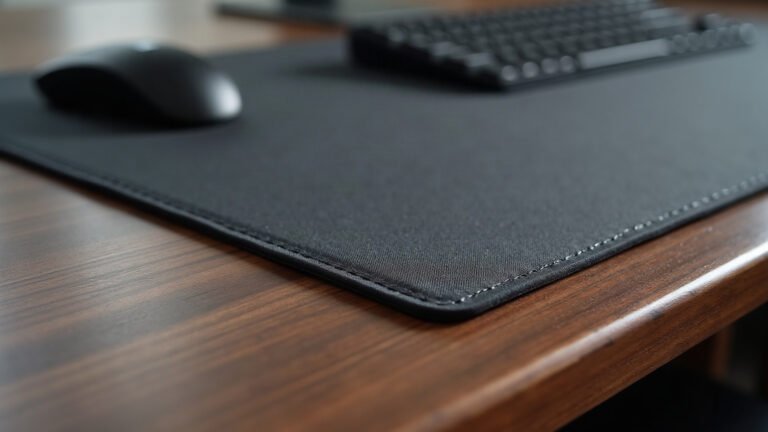
A dedicated mouse pad measuring 350 × 300 mm works best when depth is restricted by a stock monitor base or when desktop width is under 100 cm. For setups where you want a single unified surface covering keyboard and mouse, standard extended desk mats measuring 900 × 400 mm require a true active depth of 400 mm and at least 920 mm of clear lateral width.
If you find that an extended mat is 20 mm deeper than your active zone, switching to a monitor arm rather than trimming your mat size is the standard solution on paper, as it recovers roughly 150 mm of vertical desk depth.
The Pre-Checkout Desk Audit
Run through this four-step checklist before purchasing any surface accessory or mounting hardware:
- Measure total width from left edge to right edge using a rigid tape measure, not a fabric tailor tape.
- Measure from the front of your display base to the front desk edge to find your maximum mat depth.
- Measure the thickness of the desktop slab; standard monitor clamps support 10 mm to 50 mm thick tops.
- Verify under-desk clearance behind the rear edge to confirm support beams do not block clamp hardware.
Custom and made-to-order desk accessories go into production within 2 to 5 business days (up to 10 during peak periods). Because these items are printed individually to specification, double-checking these four measurements prevents ordering a surface size that crowds your workspace. If an item arrives damaged, misprinted, or lost in transit, MousePady replaces or refunds it within 30 days with a photo claim, with free shipping across the United States and free worldwide delivery on orders over $99.
Take two minutes with a tape measure now, record the true active zone, and order the exact dimensions your layout requires.
Lana is MousePady’s brand character — an AI-generated persona created and written by us, not a real person and not a real reviewer. Specifications come from manufacturer data.

Leave a Reply