Nobody’s aim is bad because their mouse only does 16,000 DPI. If you’re shopping by DPI number, you’re shopping by the one spec that stopped mattering a decade ago.
What actually changes your hit rate is weight, shape versus your grip, and whether the thing stays connected. Here’s the honest version.
How we pick
We weight three things: weight under 70g (less fatigue on long sessions and faster direction changes), grip match (palm, claw or fingertip — a mouse that fights your hand will never feel right), and sensor consistency rather than headline DPI. Price only breaks ties.
One thing people forget: a great mouse on a bad surface is still a bad experience. Tracking is a system — sensor plus surface. More on that at the bottom.
The comparison
| Option | Best for | The catch |
|---|---|---|
| Lightweight wireless (<65g) | Competitive FPS, low-sens aimers | You pay a premium for every gram removed |
| Mid-weight wireless (70–90g) | All-rounders, mixed work and play | Slightly slower flick recovery |
| Wired budget (<$40) | Tight budgets, second PCs | Cable drag is real without a bungee |
| Ergonomic vertical | Wrist pain, long office days | Terrible for fast flicks |
Winners by use case
The Logitech G Pro X Superlight 2 keeps showing up in pro loadouts for one boring reason: it removes weight without removing the sensor quality. If your aim is inconsistent late in sessions, this is the upgrade that actually shows up in your stats.
A mid-weight wireless with a proper scroll wheel. You’ll spend more hours in spreadsheets and IDEs than in ranked — buy for the 8 hours, not the 2.
A wired sub-$40 mouse plus a bungee beats a bad wireless every time. Spend the savings on the surface under it.
FAQ
Does DPI matter at all?
Past about 1600 DPI it’s mostly marketing. Most pros play between 400 and 1600 with low in-game sensitivity. Higher DPI mainly helps on very high-resolution displays.
Wireless or wired in 2026?
Wireless has been competitively solved for years. Modern 2.4GHz dongles beat most wired latency you can perceive. Bluetooth is the one to avoid for gaming.
How often should I replace a mouse pad?
When the surface glazes or the edge lifts — usually 12–24 months of daily use. It’s the cheapest performance upgrade you can make.
The part everyone skips
Here’s the thing almost every mouse guide ignores: your sensor reads the surface, not the mouse. A worn, curling pad with a shiny patch where your hand sits will produce inconsistent tracking on a $150 mouse.
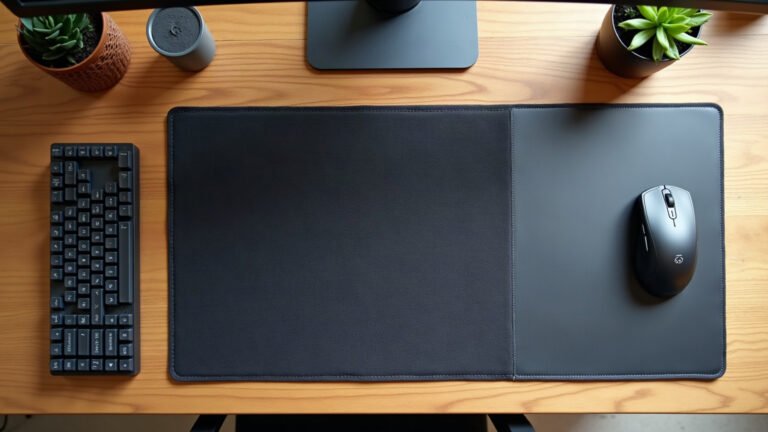
If your pad is older than your current rank, replace it before you replace the mouse. Our XL desk mats give you a consistent, uninterrupted surface across the whole sweep — and they don’t fray at the corner in four months. See the desk mats →


Leave a Reply