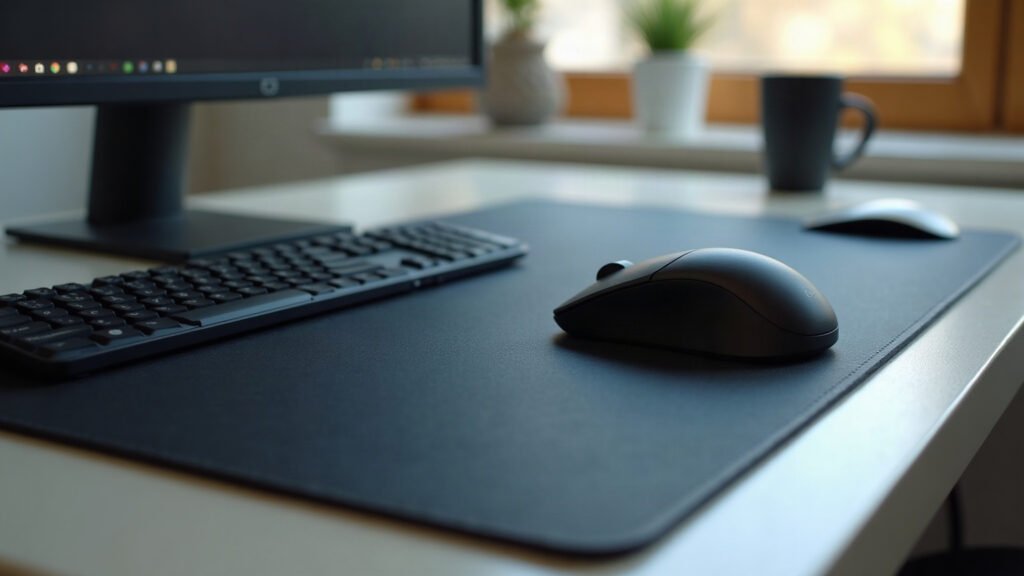
If you play tactical shooters or track targets with full arm sweeps, your mouse pad needs to be at least 450 millimeters wide and offer more stopping power than raw speed.
When your in-game sensitivity sits between 35 and 65 centimeters per 360-degree turn, your mouse travels across hundreds of square centimeters in a single match. On a standard office pad, that movement ends abruptly at the edge. You lift your mouse, reposition your wrist, and lose tracking mid-engagement.
The first week you switch to a dedicated low-sensitivity surface, you will catch yourself making wide 180-degree turns in a single, fluid motion without thinking about the borders of your desk.
The Physical Dimensions You Need
Before looking at weave or base thickness, you need raw surface area. Low sensitivity makes small adjustments accurate, but it forces large physical motions for turning corners and checking angles.
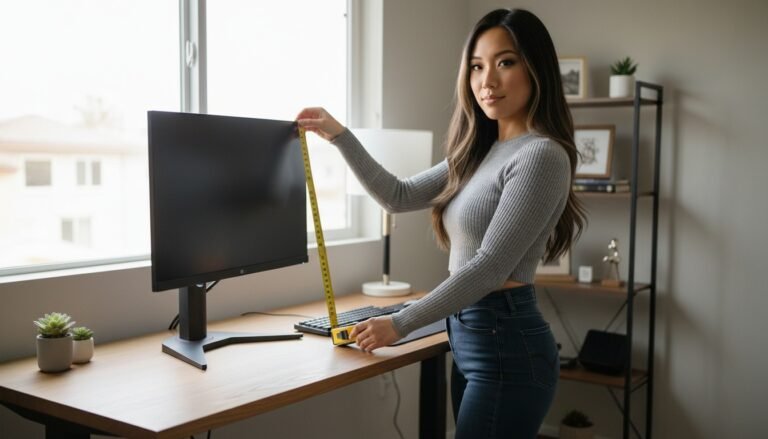
Measure your available desk depth and width before browsing surfaces. You have two practical layout options:
- Dedicated Large Square (450 mm x 400 mm): Gives your mouse hand complete freedom without covering your keyboard area. This suits angled keyboard placements.
- Extended Desk Mat (900 mm x 400 mm): Covers the keyboard, the mouse area, and the transition space between them. It keeps both hands on a level plane and gives you up to 500 millimeters of uninterrupted horizontal glide.
Avoid anything under 400 millimeters in vertical height. Pulling down to control weapon recoil eats vertical space quickly. If a mat is only 300 millimeters deep, your wrist will slide off the bottom edge during sustained fire.
Static Friction Versus Dynamic Friction
Mouse pad marketing often divides products into “speed” and “control.” For low sensitivity, those labels are too broad. You need to look at two distinct physical properties: static friction and dynamic friction.
Static Friction (Initial Movement)
Static friction is the resistance you feel when your mouse goes from a dead stop into motion. If static friction is too high, making micro-adjustments at long distance feels muddy. You try to move your crosshair three pixels to the left, but the mouse sticks, and you overshoot the target.
A good low-sensitivity surface keeps static friction low so small adjustments start instantly.
Dynamic Friction (Stopping Power)
Dynamic friction is the resistance you feel while the mouse is actively sliding. When you swipe your arm across 30 centimeters to snap onto a target, dynamic friction is what stops your hand on target without hand strain.
Hard plastic and glass pads have almost zero dynamic friction. High-sensitivity wrist players sometimes prefer them, but for low-sensitivity arm aimers, glass often results in severe overshooting. Micro-woven cloth gives you the stopping power required to land flicks accurately.
| Surface Type | Static Friction | Dynamic Stopping Power | Best Suited For |
|---|---|---|---|
| Hard Plastic / Glass | Very Low | Very Low | High sens tracking |
| Cordura / Rough Hybrid | Low | Low to Medium | Fast arena shooters |
| Micro-Woven Polyester | Low to Medium | Medium to High | Low sens tactical shooters |
| Dense Foam Control Cloth | High | High | Ultra-low micro-adjustment focus |
Base Thickness and Density
Thickness affects how the pad responds to downward pressure. When tracking or landing a flick, most players push their mouse into the surface slightly.
- 2 mm Thickness: Very firm. It mirrors whatever texture exists on your desk. If your desk has wood grain or small dents, you will feel them through the pad.
- 3 mm Thickness: The baseline standard. It smooths out desk imperfections while keeping the surface flat and consistent under downward force.
- 4 mm to 5 mm Thickness: Soft and cushioned. Pressing down creates added stopping power by sinking the mouse skates into the weave. However, if the rubber base is too soft, this can change sensor lift-off distance unpredictably.
For most setups, a 3 mm natural rubber base provides the right balance of desk isolation and structural consistency.
Edge Stitching and Arm Drag
Because low sensitivity requires arm aiming from the elbow, your forearm makes continuous contact with the bottom edge of the pad. Raw-cut edges can fray within weeks and irritate your skin during multi-hour sessions.
Look for low-profile, edge-to-edge stitching. The thread should sit flush with the cloth surface rather than bulging above it. A raised border creates a physical ridge that catches your mouse cord and rubs against your wrist during downward swipes.
Choosing the Right Surface for Your Setup
You do not need to spend $80 to $100 on an imported specialist pad to get clean tracking. At the same time, a $12 unstitched generic mat from an open marketplace will usually curl at the corners within a month.
If you want a single surface that covers your keyboard and leaves ample runway for sweeping swipes, our full-coverage desk mats use 3 mm natural open-cell rubber with anti-fray flush stitching and a smooth micro-woven polyester top. If you prefer a dedicated pad solely for your mouse hand, explore our standard mouse pads designed with the same uniform glide.
Every mat is printed and assembled on demand, which takes between 2 and 5 business days before dispatch. Shipping is free across the United States, with flat-rate international options starting at $7.95 (or free worldwide on orders over $99).
If your mat arrives damaged, misprinted, or faulty, send a clear photo within 30 days and we will issue an immediate free replacement or full refund. There is no need to send anything back.
Clear your desk, measure your usable width with a tape measure, and choose a surface that gives your arm the full clearance it needs.
Specifications come from our suppliers’ published data. Where we link to gear we do not make, those links may earn us a commission at no extra cost to you.


Leave a Reply