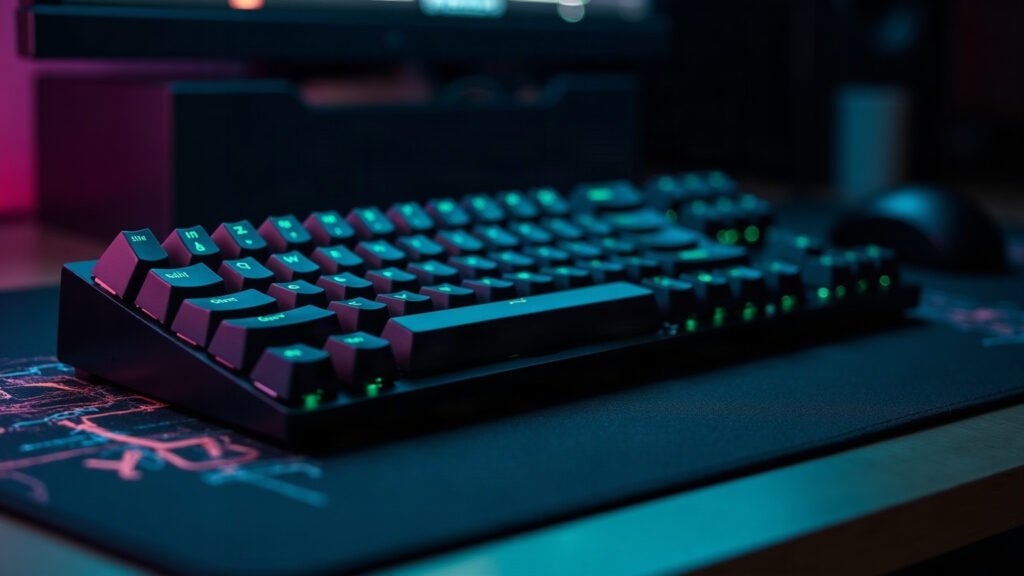
Mechanical keyboard advice online is 90% people describing sound. Useful if you’re buying a musical instrument; less useful if you want to type and play games without regret.
Three decisions actually matter: switch type, layout, and whether you can change your mind later.
How we pick
We prioritise hot-swap sockets (you can change switches without soldering — this is the single best hedge against buying the wrong feel), build damping (gasket mounts and foam make cheap boards sound expensive), and layout you’ll actually use.
The comparison
| Option | Best for | The catch |
|---|---|---|
| Linear (red-ish) | Gaming, fast repeated presses, shared spaces | Easy to bottom out; can feel vague for typing |
| Tactile (brown-ish) | Mixed typing and gaming — the safe default | Slightly slower for rapid double-taps |
| Clicky (blue-ish) | Typists who live alone | Everyone on your voice comms will hate you |
| 60% / 65% layout | Small desks, low-sens gamers needing mouse room | You lose the numpad and arrow cluster |
| TKL / full-size | Data entry, productivity, spreadsheets | Eats the desk width your mouse wants |
Winners by use case
The Keychron Q1 Pro is the enthusiast pick that normal people still love: gasket-mounted, hot-swappable, and it sounds premium out of the box instead of after $80 of mods. Buy once.
Losing the numpad buys you several inches of mouse room, which matters far more at low sensitivity than any switch choice.
If you write code or prose all day, tactile gives you feedback without the noise complaints, and TKL keeps arrows where your hands expect them.
FAQ
Are hot-swap boards worth it?
Yes — it’s the difference between ‘I bought the wrong switches’ costing $25 instead of a new keyboard.
Do I need wireless?
Only if you move the board. Wireless adds cost and battery management for a device that mostly never moves.
What about switch lube?
It genuinely improves feel, but buy a board that sounds good first. Lubing a bad board gives you a quiet bad board.
The part everyone skips
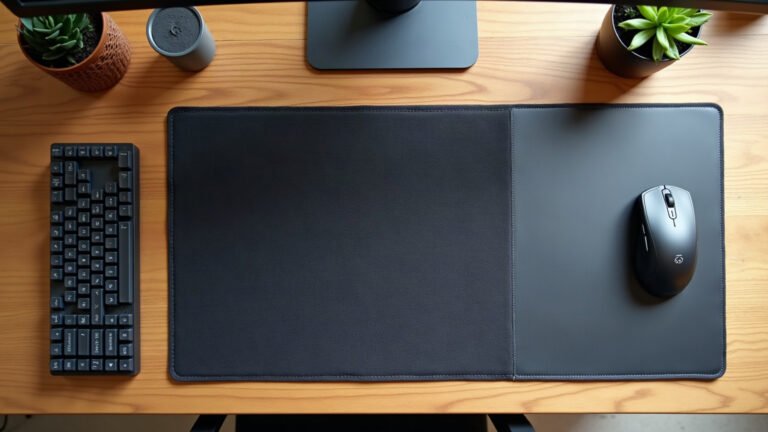
Whatever you buy, it will sound and feel better on a soft surface. A bare desk turns every keystroke into a hollow clack; a cloth mat under the board damps the resonance and stops the keyboard sliding.
It’s the cheapest “mod” there is, and it works on any keyboard. See the desk mats →

Leave a Reply