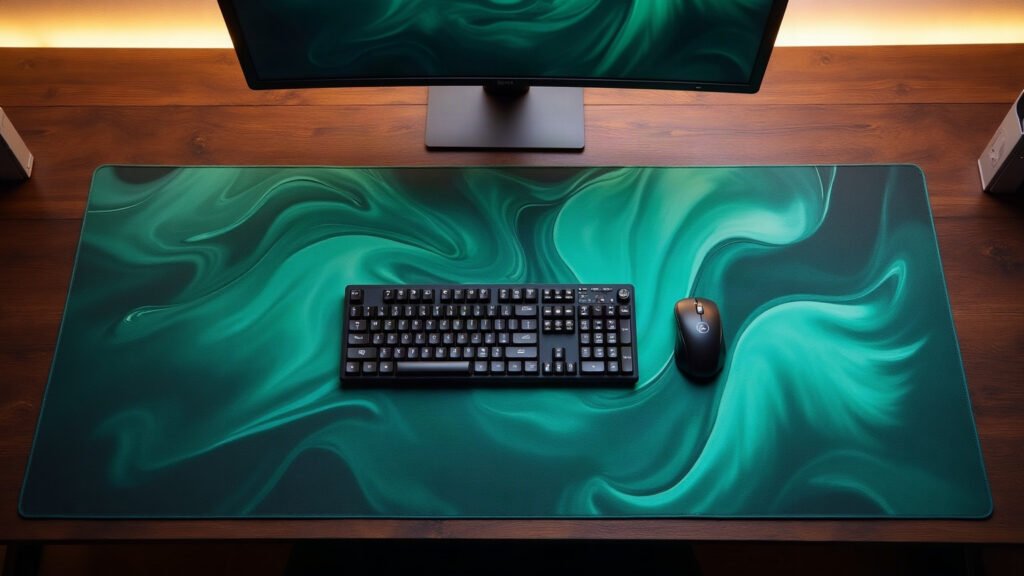
The single most common desk-mat mistake isn’t the design. It’s buying one that’s too small, then watching your mouse run off the edge mid-fight.
Desk mat sizing is really a question about how you aim and how much desk you’re willing to give up. Three sizes cover almost everyone.
How we pick
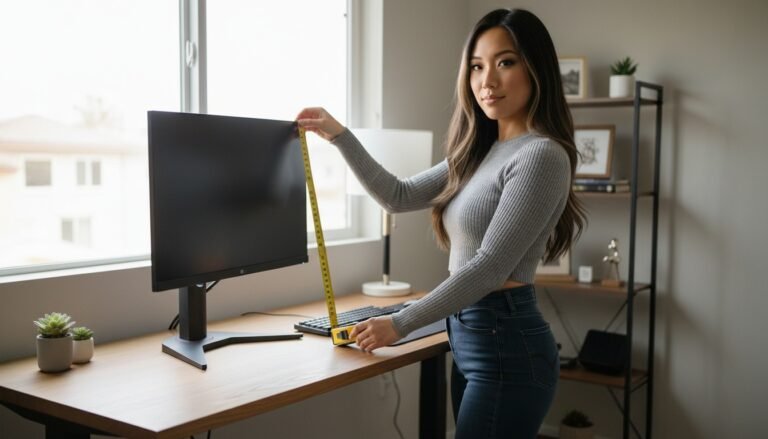
We size by sweep, not by desk. Measure the widest single mouse movement you make in a game — if you play low sensitivity, that’s a forearm sweep, not a wrist flick. Your mat needs to contain that motion plus your keyboard.
Then check your desk depth. A mat deeper than your desk is worse than a mat that’s slightly small.
The comparison
| Option | Best for | The catch |
|---|---|---|
| 24″ × 14″ | Keyboard + mouse, normal sensitivity, compact desks | Tight if you play very low sens |
| 36″ × 18″ | Most battlestations — the sweet spot | Needs ~36in of clear desk width |
| 48″ × 24″ | Full-desk coverage, dual monitors, streamers | Overkill on a small desk; check depth first |
| 9.5″ × 8″ (classic pad) | Office work, travel, second desks | Too small for low-sens gaming |
Winners by use case
It fits a full-size keyboard with room for a genuine forearm sweep, and it covers enough desk that the setup reads as intentional. If you only read one line of this guide: buy the 36. Our 36″ desk mats come in this size.
If your desk is under 47 inches wide or you share it with a laptop, the 24 keeps things clean without crowding.
Covers the whole working surface, hides cable clutter, and gives the camera one continuous surface instead of three different textures.
FAQ
Will a desk mat improve my aim?
Indirectly, yes. It gives you a consistent surface with no seams, edges or dead zones, so your sensor reads the same everywhere. That consistency is what you actually feel.
Cloth or hard surface?
Cloth (like ours) is more forgiving, quieter and kinder to mouse feet. Hard pads are faster but louder and less comfortable for long sessions.
How do I clean it?
Wipe it with a damp cloth and mild soap, then air dry flat. Don’t put it in a dryer.
The part everyone skips
Two details that decide whether you still like the mat in a year: the edge and the base.
A stitched edge stops the corner lifting and fraying — that curling corner is what kills most cheap pads. A proper rubber base means it doesn’t travel across the desk when you sweep. Ours are made to order with both, and the print is dye-sublimated so the colour is in the fabric rather than sitting on top of it.

Leave a Reply